Remoting
for gamers
and creators

Stream your games, apps, and desktops from anywhere with ultra-smooth, gaming-grade performance.
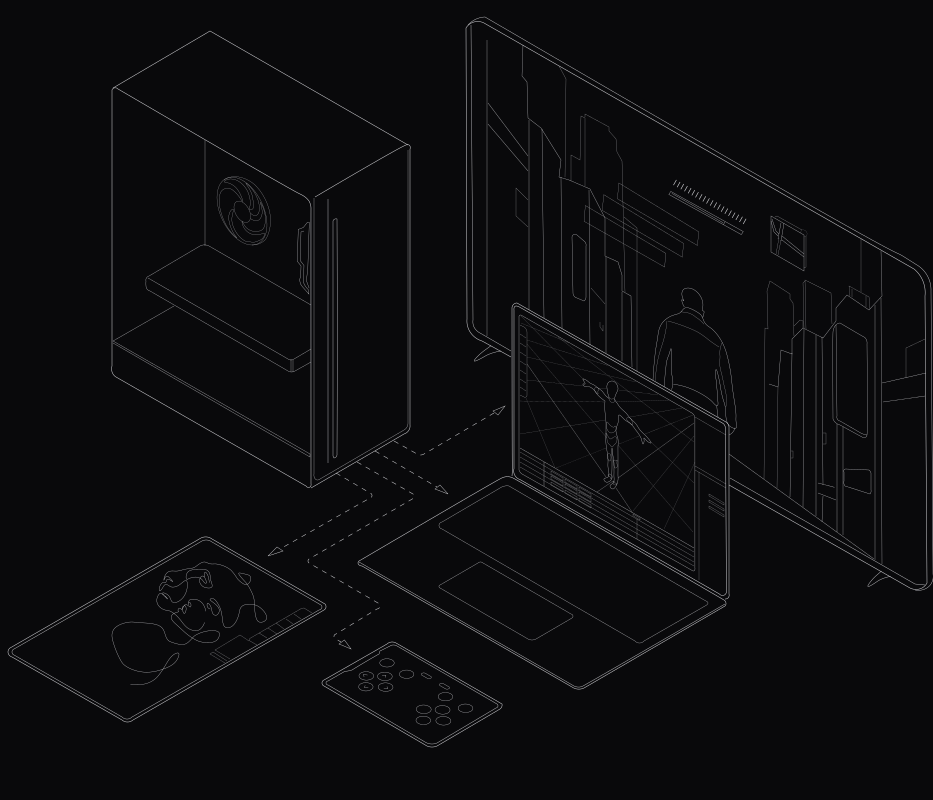
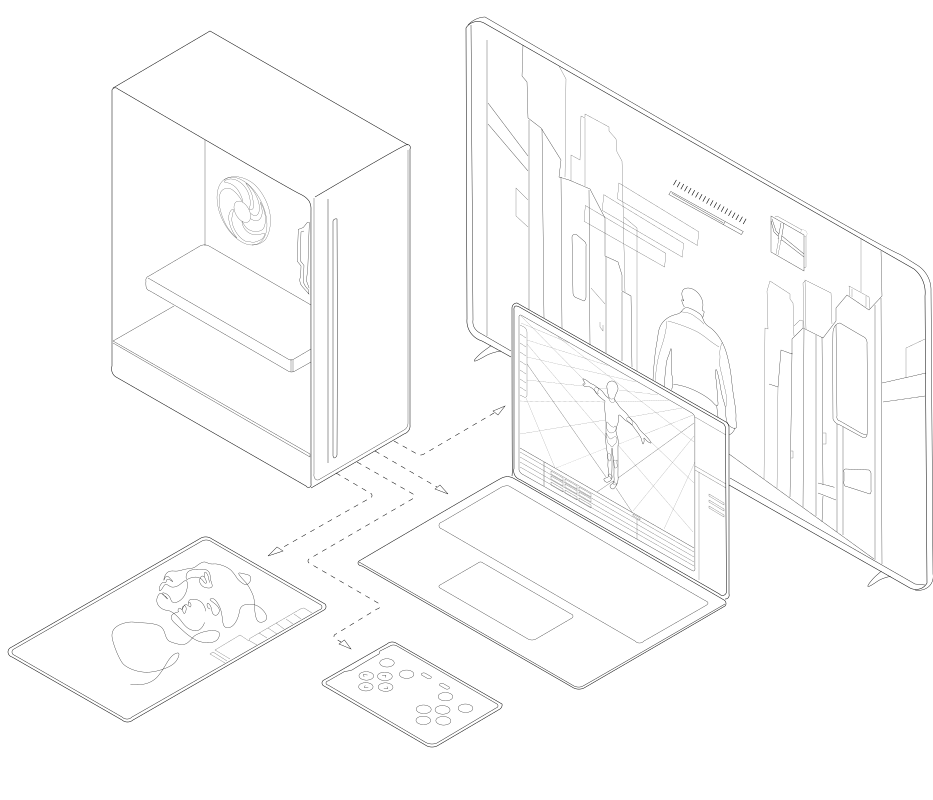
Chromaport streams games, creative, 3D and photo apps, and desktops from a PC to mobile, tablet, laptop, and TV with ultra-smooth gaming-grade performance.
devicesWork and play anywhere

Access your desktops, apps, and games from any device.

groupsSeamless team collaboration

Share your workspace and work together in real time.

joystickPrivate cloud gaming

Turn your games into a personal cloud and play remotely anywhere.

Gaming-grade technology.

Crystal-Clear Graphics
Experience crisp, high-resolution streaming with vibrant colors and sharp detail.Learn more
up to

4K

Resolution

4:4:4

Color

High-Speed Streaming
Play and work with ultra-responsive, high-frame-rate streaming for lag-free action.Learn more
up to

240 FPS

Seamless controls, anywhere.

From gaming to design, use your favorite devices and enjoy seamless control for the ultimate remote experience.
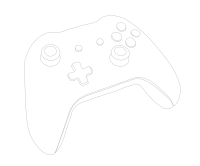
Illustrated game controller used for cloud and remote PC gaming.Gamepads
Use your preferred controller for a console-like experience on any device.
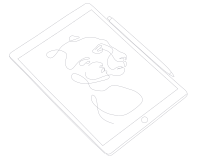
Tablet device illustration showing mobile access to remote desktop and game streaming.Drawing tablets
Professional drawing and design with precise tablet support.
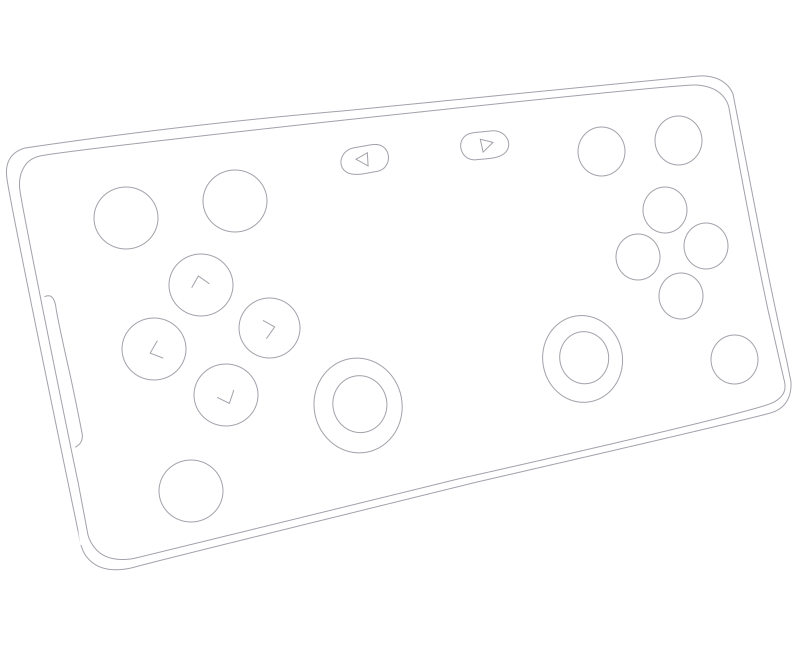
Handheld gaming console illustration for portable game streaming and remote play.Virtual touch controls
Create fully customizable on-screen controls for any game.

Your workspace, your way.

Choose the view that suits your workflow — whether managing hosts or diving into apps and games.
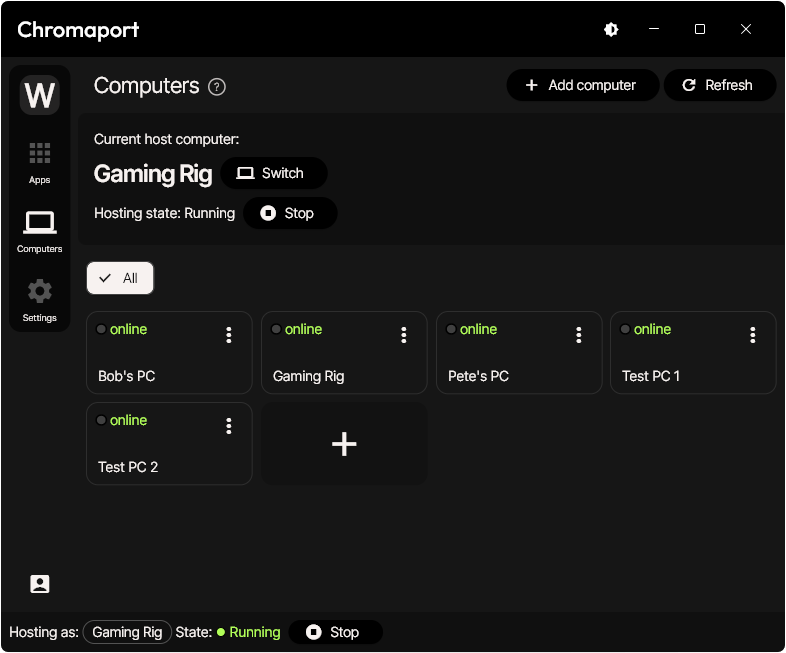
Computers view
Quickly browse and manage all your devices in one place.
Chromaport hosts view showing a user managing all connected devices in one central workspace for remote desktops, apps, and games.
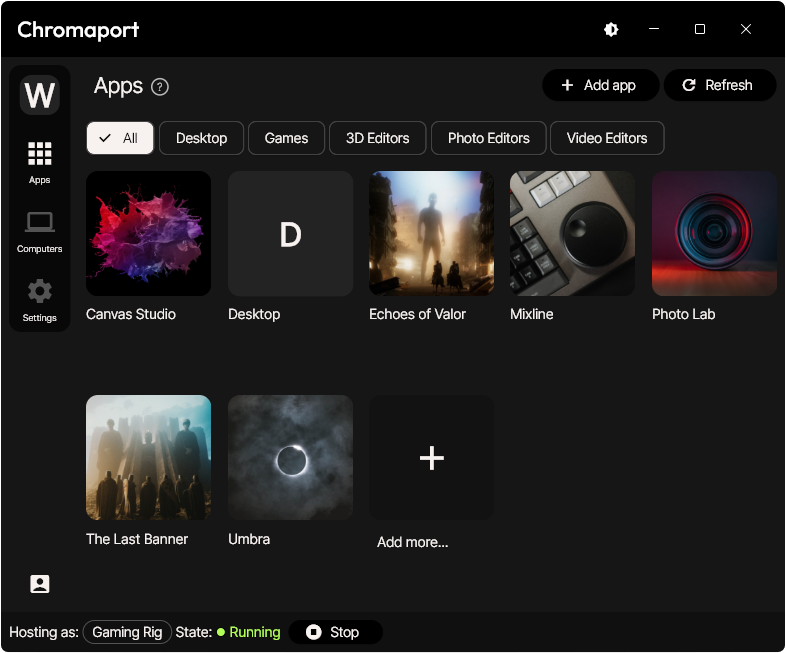
Apps view
Launch your favorite apps or games directly and enjoy a smooth, streamlined experience.
Chromaport apps view displaying a user launching apps and games remotely with smooth, low-latency performance across devices.

Manage with ease.

Take full control of your workspace with flexible roles, permissions, and team organization — designed to keep your devices, apps, and users secure and efficient.

Workspace Roles
Host Permissions
Team Management

Assign roles to define access and capabilities for each team member.

Control who can access and manage your connected devices.

Organize your team, invite members, and oversee collaboration with ease.

Diagram of Chromaport user roles demonstrating device access permissions for personal and shared workstations.
1
Create workspace

Add host computers, apps, and games effortlessly.

2
Connect and get access

Instantly reach hardware, games, development engines, and creative tools.

3
Share & collaborate

Invite coworkers and friends, manage permissions, and control device access.

Built for every workflow.

Gaming and events
Stream games or showcase live demos with ultra-low latency and flawless performance anywhere.
Gamers playing on PCs at an event using Chromaport for seamless, high-performance and low-latency remote game streaming.
Game developers
and testing
Build, test, and iterate on games remotely with instant access to devices and high-performance environments.
Team of game developers and QA engineers coding and testing on PCs using Chromaport remote development environments and shared testing setups.
Creators
Work with graphic tablets, 3D software, and editing tools with zero compromise, wherever you are.
Digital artist drawing on a tablet using Chromaport remote desktop streaming optimized for low-latency access to desktops and creative tools.
Remote workstations
Access your desktops and apps from anywhere, keeping your productivity uninterrupted.
Professional working on a laptop from a sofa using Chromaport for flexible remote workstation access.

Security without compromise.

Advanced security measures ensure your apps, games, and devices stay safe and protected.

Direct device connections

Peer-to-peer connections keep your data private, reducing latency, and delivering faster performance for apps, games, and workflows.

End-to-end encryption

All data transmitted between your devices is fully encrypted, keeping your streaming sessions safe from unauthorized access.

Granular permissions

Assign precise permissions for users and devices, ensuring secure and organized workspace management.

Cross-platform compatible.

Whether your team uses Windows, macOS, Android, or Linux, Chromaport has you covered

Windows
Windows 10 or later
Coming soon
Android
Android 7.0 or later
Coming soon
macOS
macOS 10.15 or later
Coming soon
Linux
Ubuntu
Coming soon

Start now.

Flexible remote work lifestyle with Chromaport, showing a professional working on a laptop in a modern office environment.